Bank A · All closed
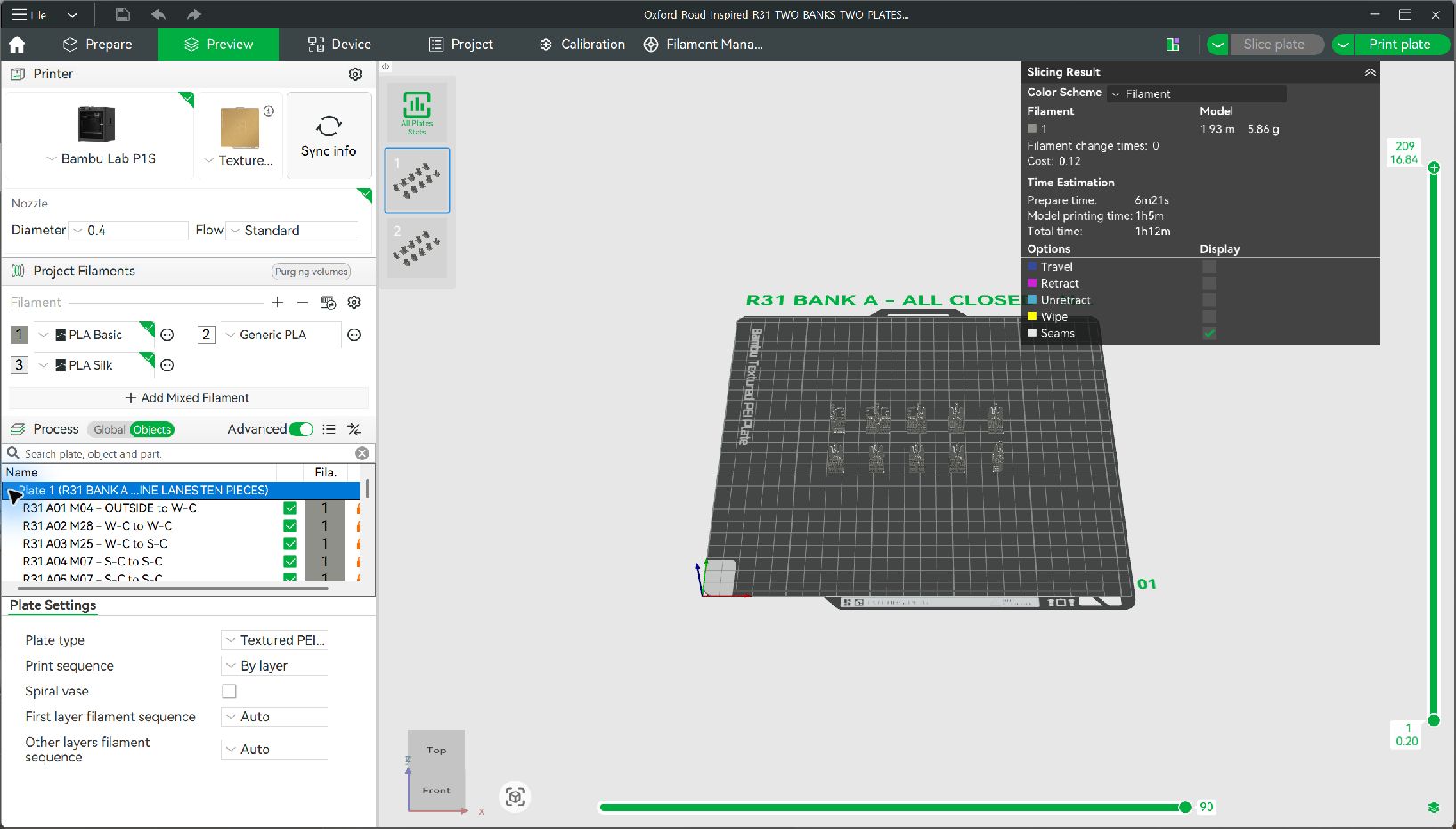
Two accessible lanes, then seven standard lanes. Ten named pieces on Plate 1.
M04 → M28 → M25 → M07 ×6 → M43
bR-GTL · UK ticket gatelines
Standard and accessible UK ticket gates for an OO station entrance. Choose the lanes and opening states; get the exact modules and quantities to print.
OO 1:76.2 · ATG & WAG · 0.4 mm nozzle
See the actual printed gates ↓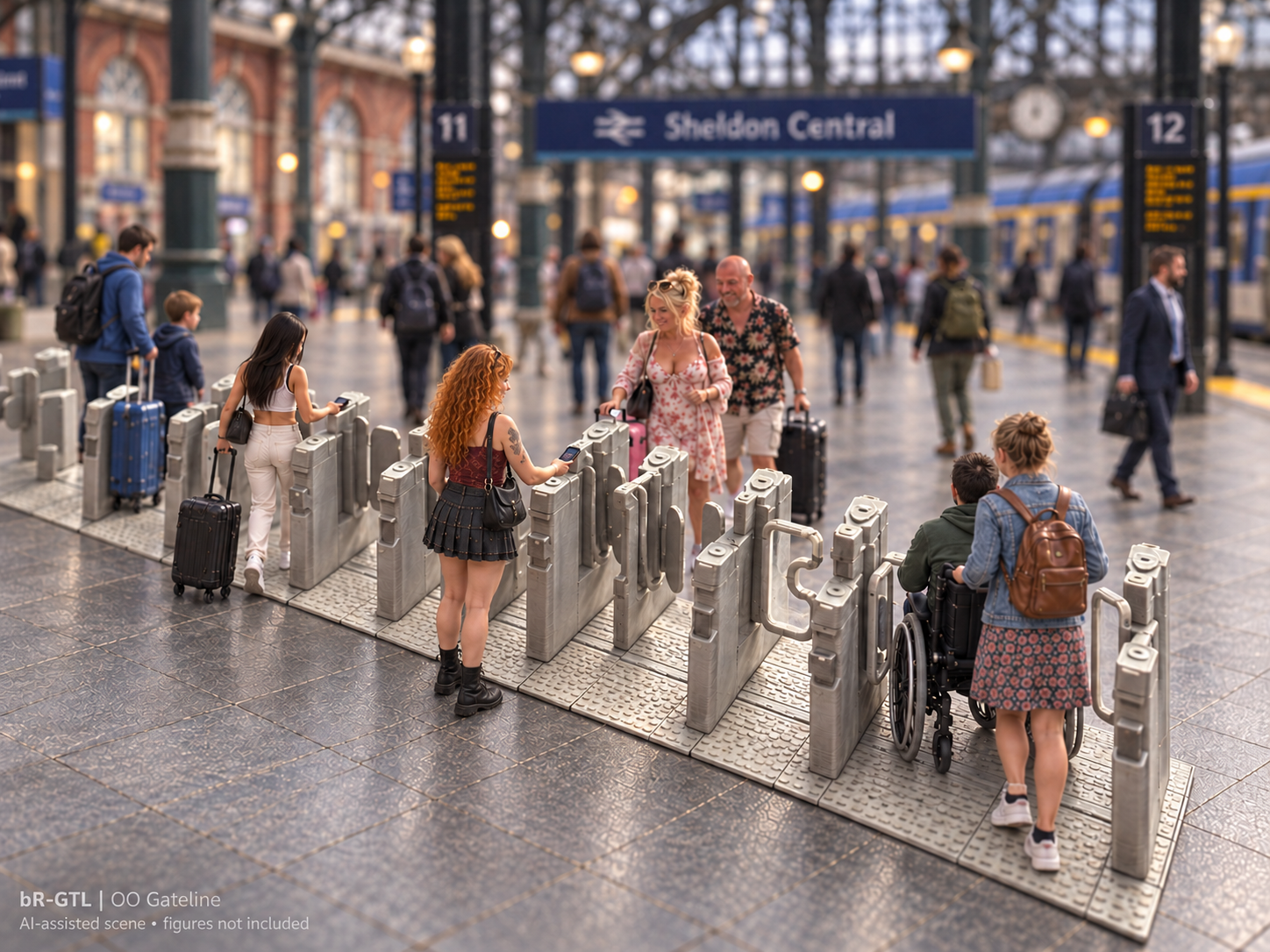
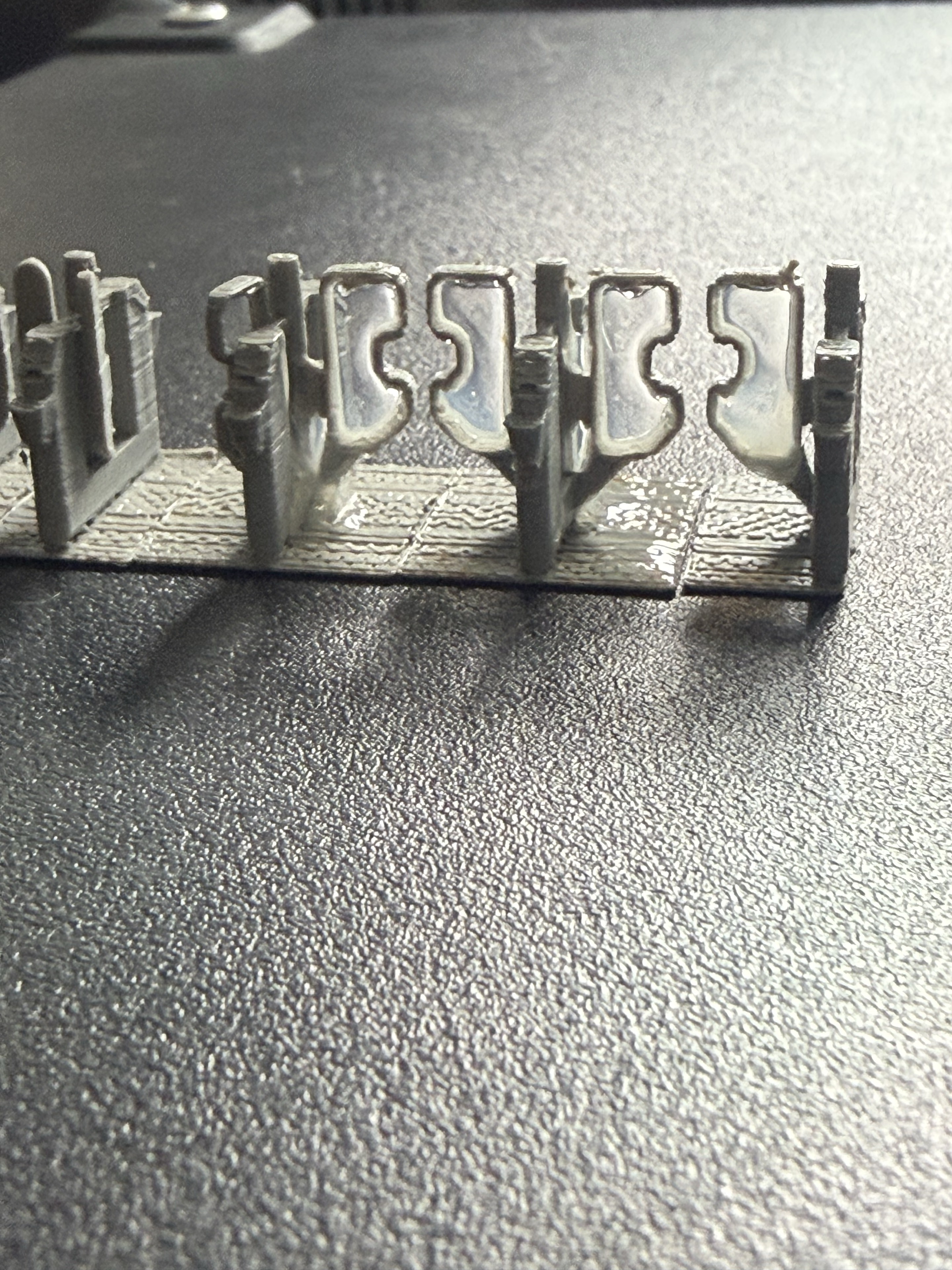
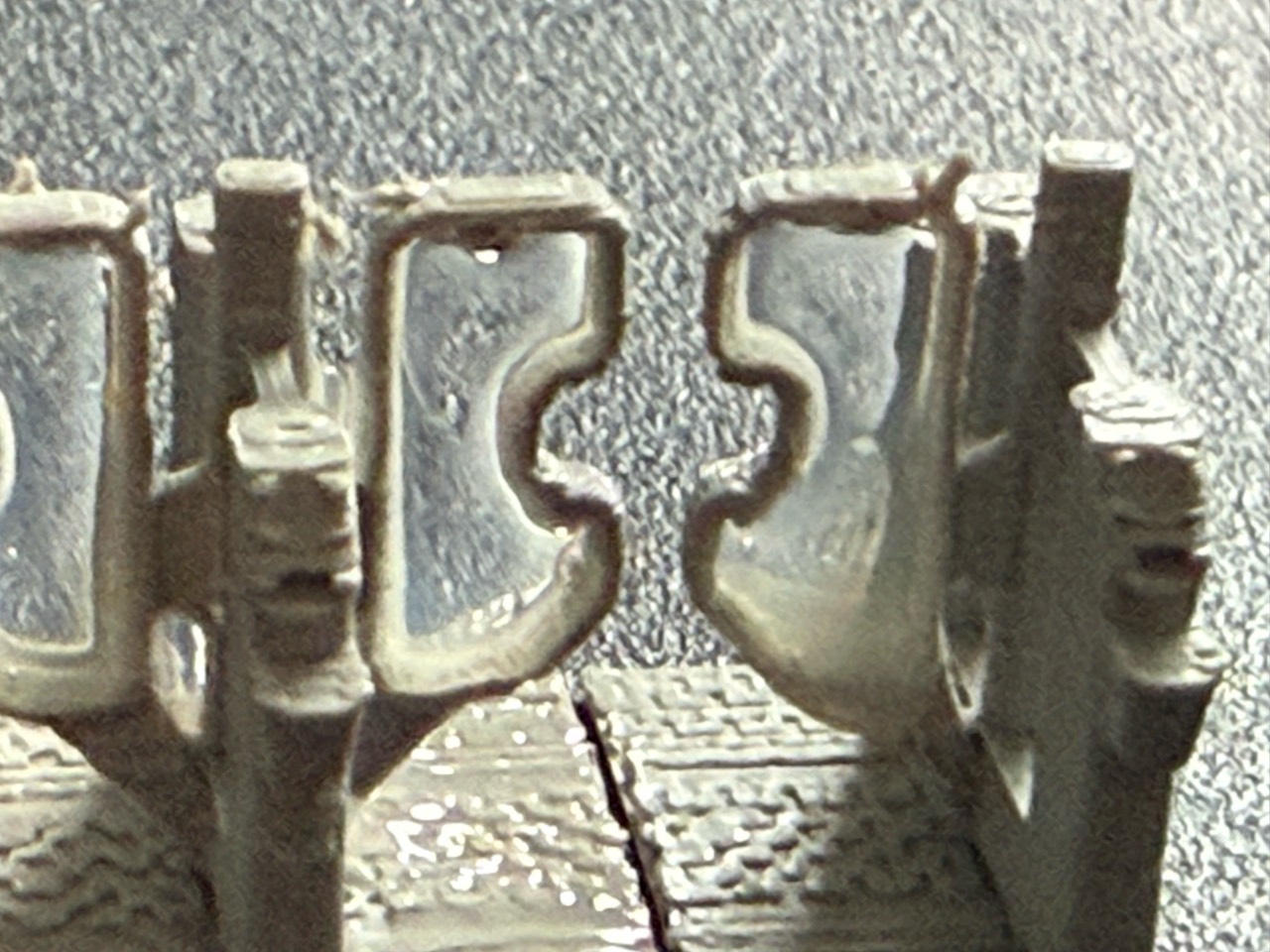
The product, in photographs
These photographs show the actual models. Click a photograph to inspect the original at full size.
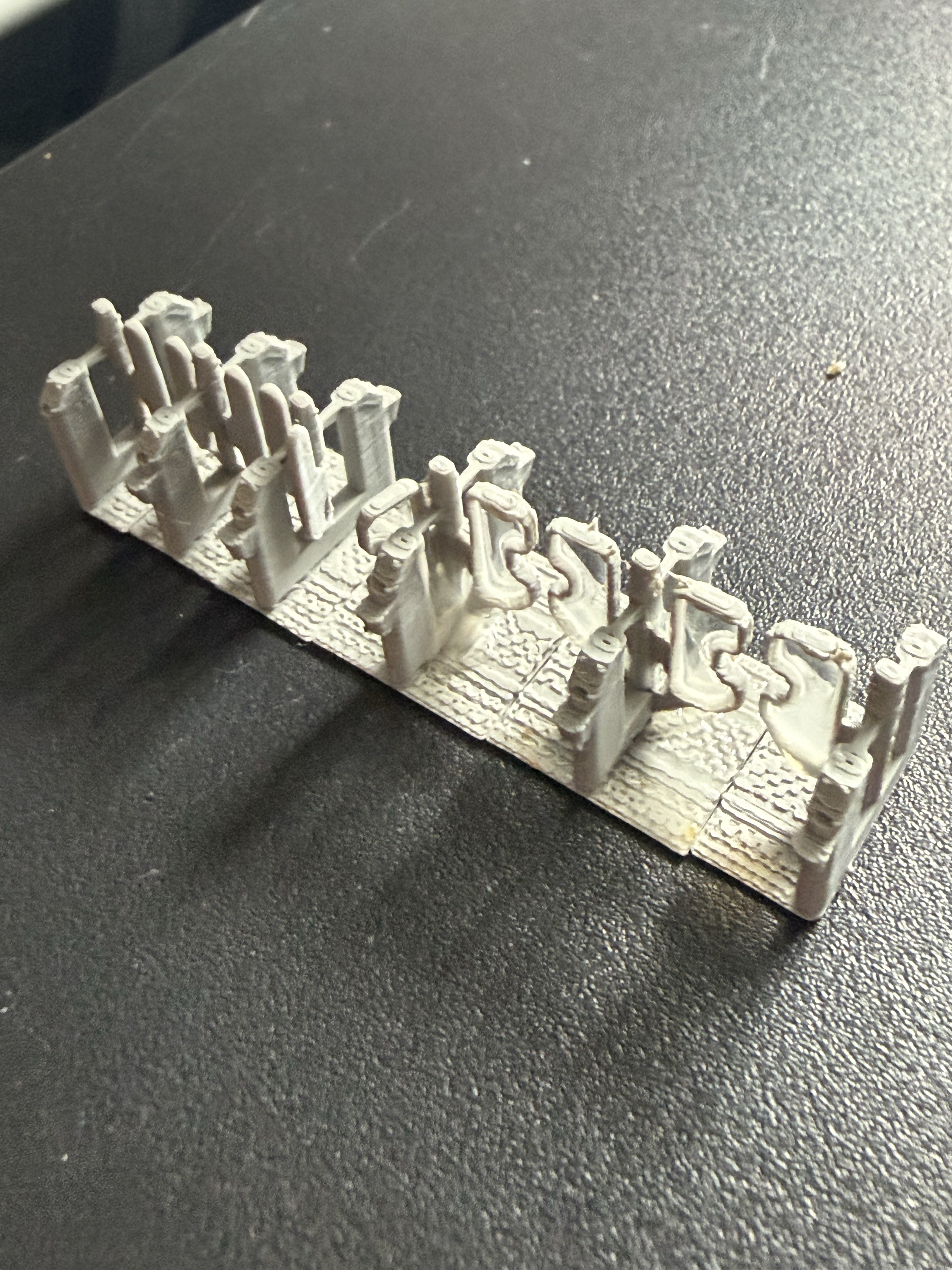
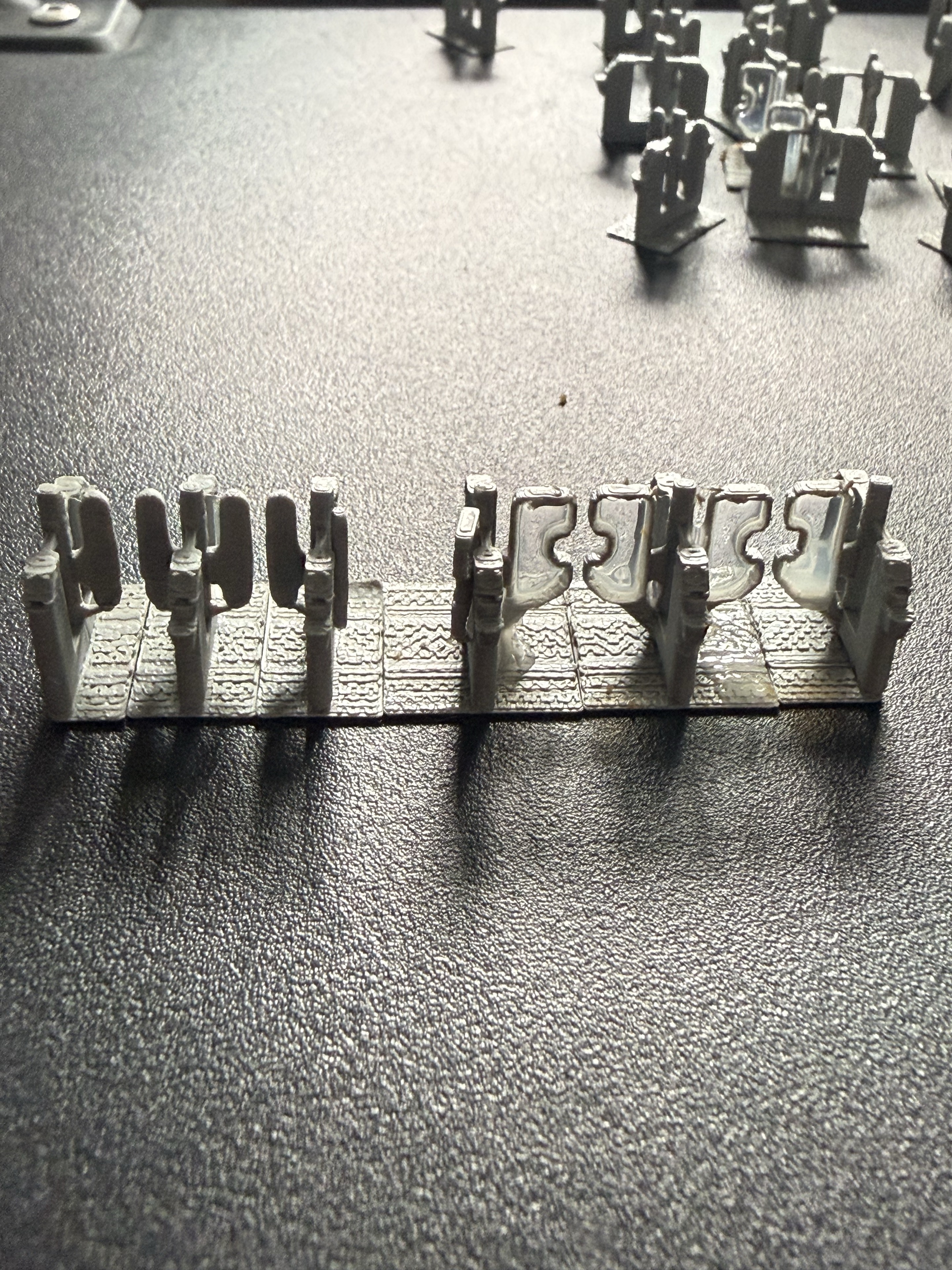
One modular family
A gateline is the whole installation. ATG means Automatic Ticket Gate; WAG means Wide Aisle Gate, the accessible passage. Combine standard and accessible lanes in the order that fits your station.
Each M code identifies a shared pedestal module. Neighbouring modules complete a passage: nine lanes need ten pedestal pieces. Closed, open towards the platforms and open towards the concourse are separate static display choices.
This is a modelled interpretation of UK railway equipment, with deliberate miniature printing concessions. It is not an official manufacturer product or an exact reconstruction of a particular station.
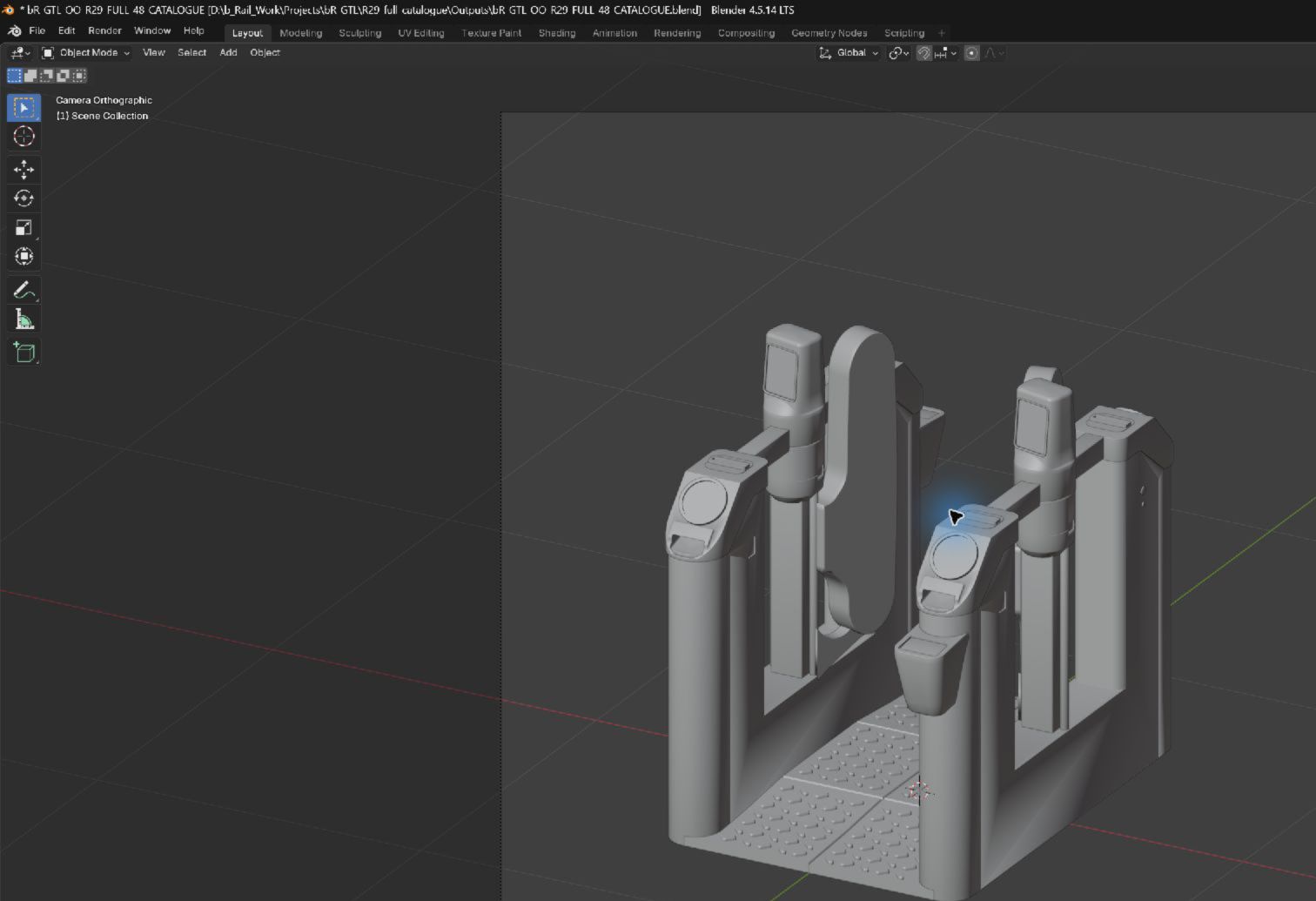
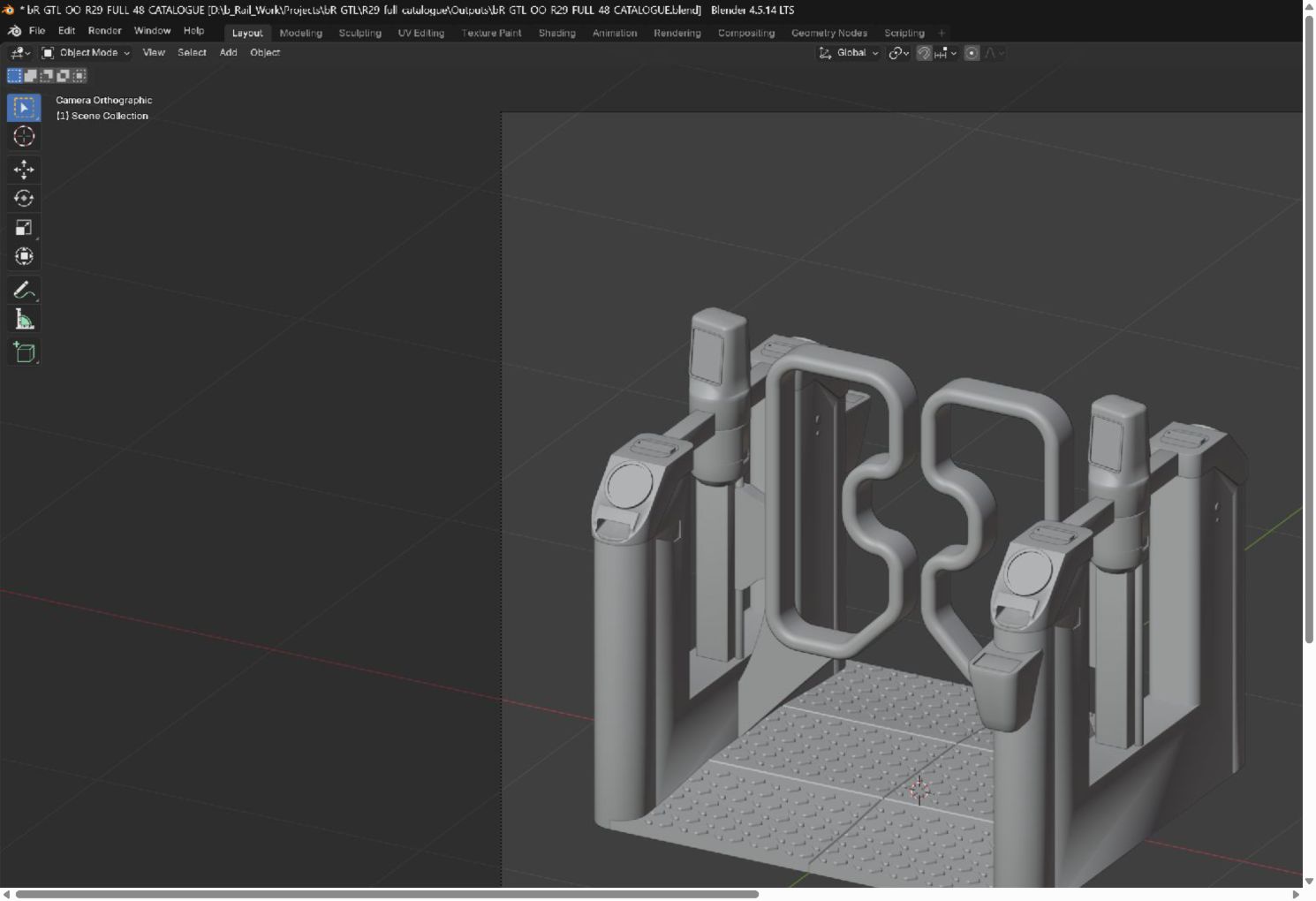
From design to the real print
The actual native Blender design, shown in the application. These viewport screenshots are cropped for clarity; the model geometry is unchanged.
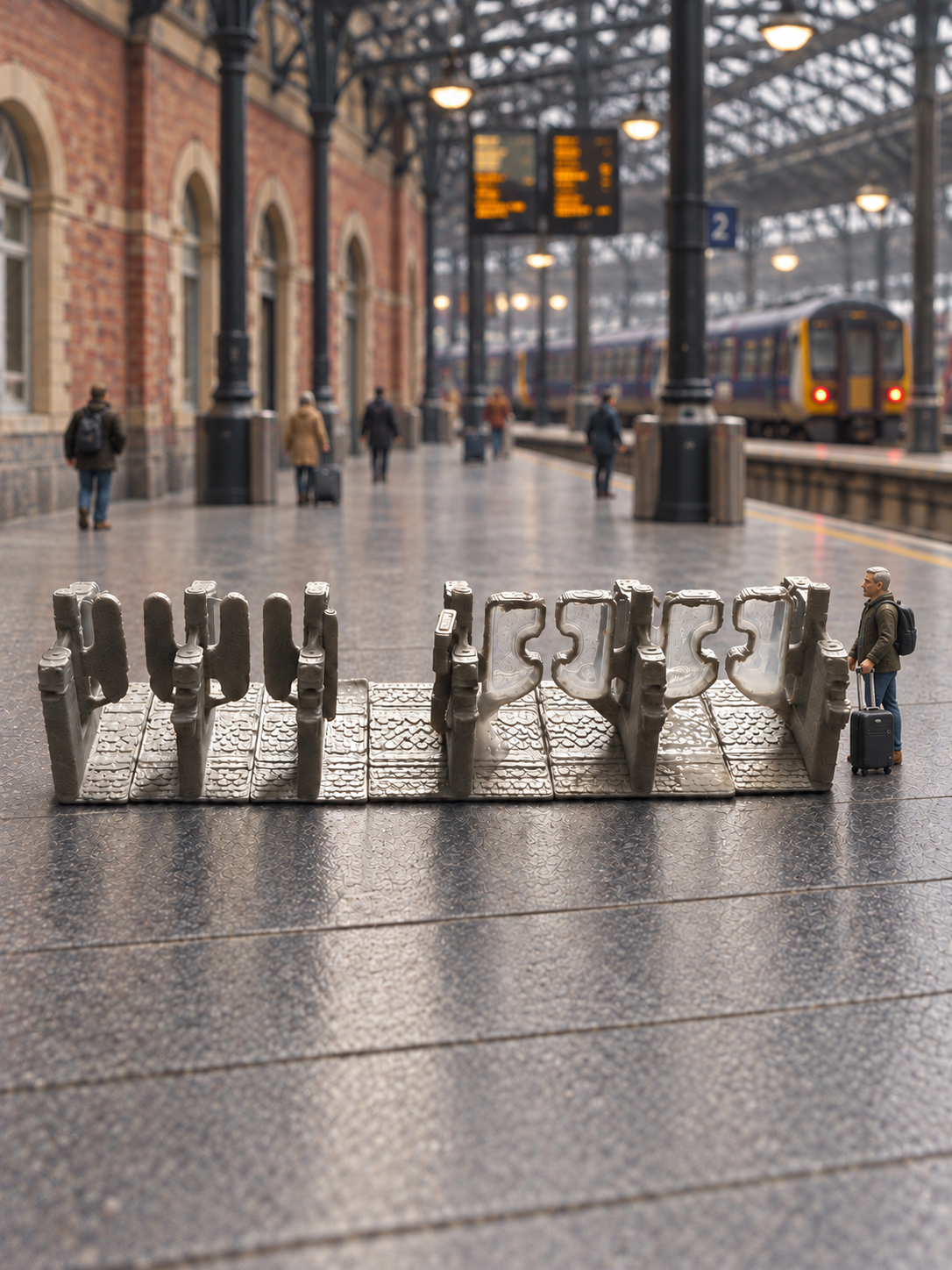
Manchester-inspired station scenes
AI-assisted scenic companions based on Paul's real print photographs. The people, station setting, train and gate arrangements are illustrative; use the original photographs above to assess the actual printed product. Figures and scenery are not included.
Choose · Print · Assemble
Outside faces on the two end pedestals omit their non-serving QR scanner. Middle pedestals serve both neighbouring lanes. Don’t rotate an end piece to add a scanner.
Get my print recipe →Two nine-lane examples
Two accessible lanes, then seven standard lanes. Ten named pieces on Plate 1.
M04 → M28 → M25 → M07 ×6 → M43
Accessible lane 1 opens towards the concourse; accessible lane 2 is closed. Standard lane 5 opens towards the platforms and lane 7 towards the concourse; the others are closed.
M06 → M40 → M25 → M07 → M08 → M13 → M09 → M19 → M07 → M43
Optional finishing
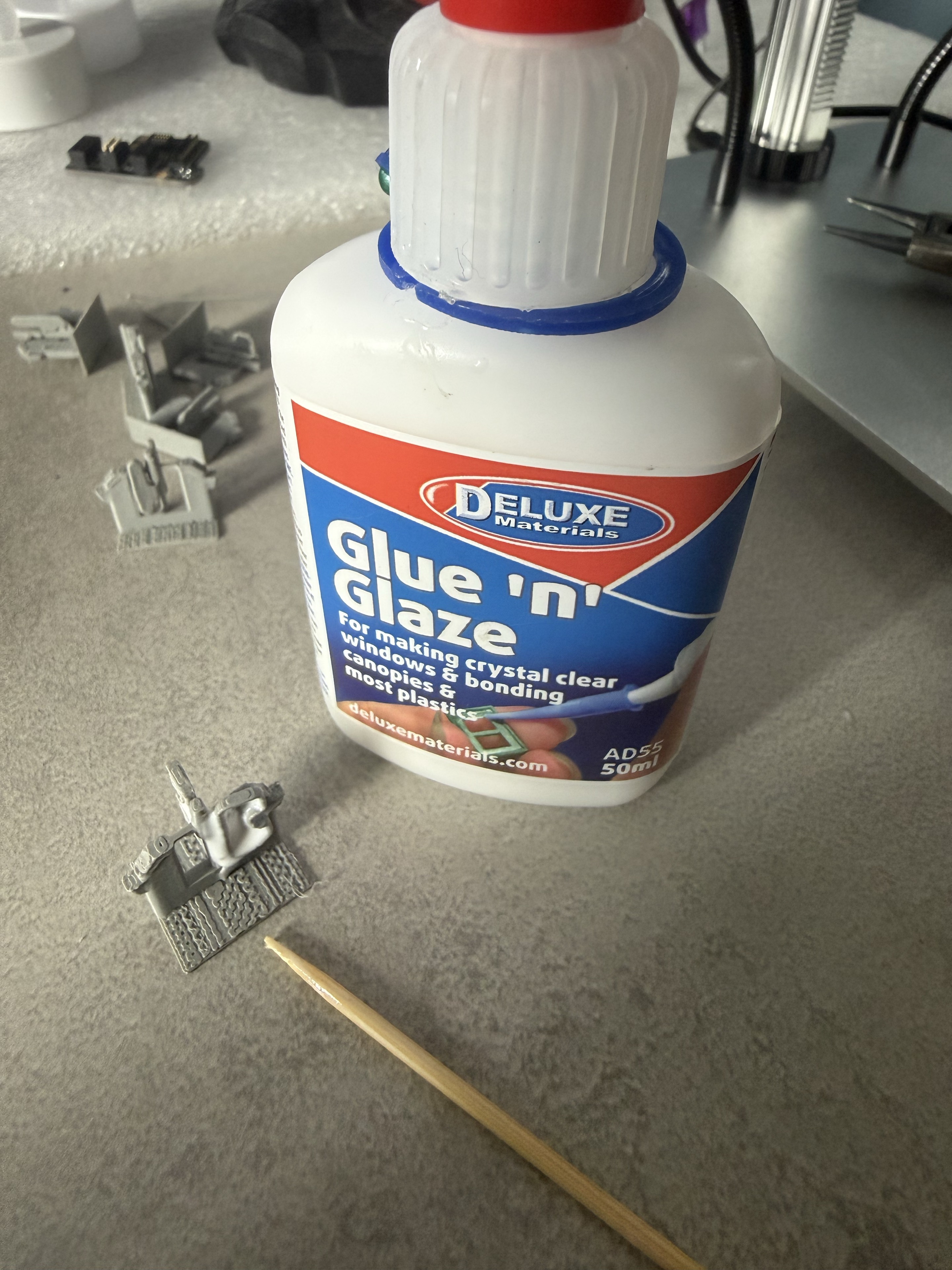
Paul filled the accessible gate apertures with Deluxe Materials Glue ’n’ Glaze (AD55), using a cocktail stick. He reports a successful dried result.
Grey matte PLA gave Paul the best results. Silk PLA caused problems in his trials and is not recommended for this miniature kit. Paint, spray and glazing are optional finishes.
Figures, station architecture, scenic backgrounds, paints and glazing materials are not part of the model download.
Scale options
The supplied geometry is OO 1:76.2 at 100%. N and O are untested resizing suggestions: scale uniformly, arrange and re-slice, then test before a full print.
| Scale | Uniform scale | Model height |
|---|---|---|
| OO · 1:76.2 | 100% | 16.837 mm |
| British N · 1:148 | 51.4865% | 8.669 mm |
| N · 1:160 | 47.625% | 8.019 mm |
| British O · 7 mm/ft | 175% | 29.465 mm |
These are model envelopes, not measured prototype dimensions or passage clearances. Use the scale percentage with uniform scaling locked; do not set three rounded dimensions independently.
See dimensions for all 48 modules →Your complete route
Download the 48-object catalogue, both nine-lane sample plates and the STL selection pack using Download STL/CAD Files on our MakerWorld page. Open a 3MF as a project in Bambu Studio, select your named objects and re-slice for your printer. The printed photographs, finishing guide and lane configurator are here whenever you need them.